Make your next site health review easier to act on
4 minute read
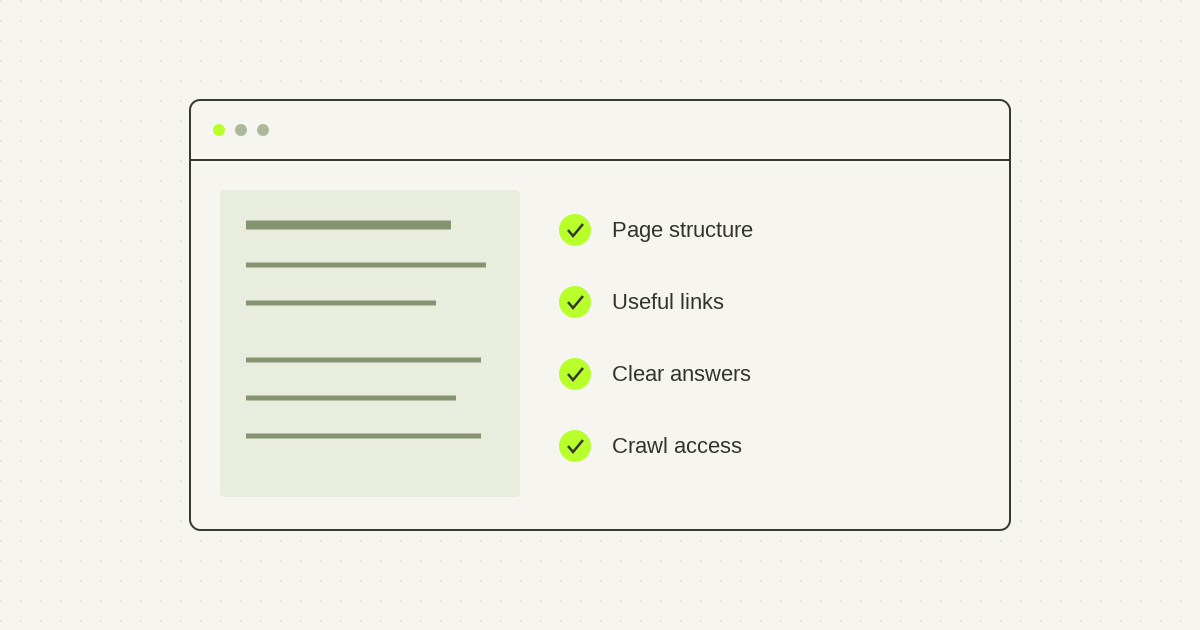
A site review is most useful when each finding leads to a clear next action. Start with the pages that matter to customers, then work through access, structure, and accuracy.
This sample checklist is a way to organize a review. It does not promise that a technical change will cause an AI engine to cite a page.
Begin with a small page set
Choose the homepage, a product page, a comparison, and a useful guide. Make a note of the task each page helps the reader complete.
Check access and the main answer
Review whether the intended page is available, whether important content is visible, and whether links lead to the right destinations. Check intentional restrictions before proposing any change.
Make the structure readable
Use a descriptive title and headings that match the content beneath them. Avoid making a reader hunt through decorative elements to find the page's main answer.
Keep structured information accurate
Structured data should describe what is actually present on the page. For an article, review the headline, author, publication date, and canonical URL.
The following is an illustrative content checklist your team can adapt:
{
  "page": "/guides/customer-question",
  "review": ["title", "headings", "author", "links"],
  "owner": "Content team",
  "status": "Ready for review"
}
Adding structured information is one part of maintaining a clear site. Review it alongside the visible content and avoid assuming it guarantees a citation or ranking.
Prioritize the next action
Write each finding as a task with an owner, a page URL, and a clear description of the proposed change. Group related work so that several teams do not edit the same page independently.
| Review area | Useful next action |
|---|---|
| Main answer | Clarify the explanation near the relevant heading |
| Internal links | Link directly to the useful next page |
| Product details | Confirm claims with the product owner |
| Article metadata | Keep dates, author, and canonical URL consistent |
Review the page again
Check the result after the change has shipped. Keep the review date and notes in the same project so the next person can understand what changed and why.
Explore Site Health in the demo and see how an individual finding becomes a focused task.