From a customer question to content worth citing
4 minute read
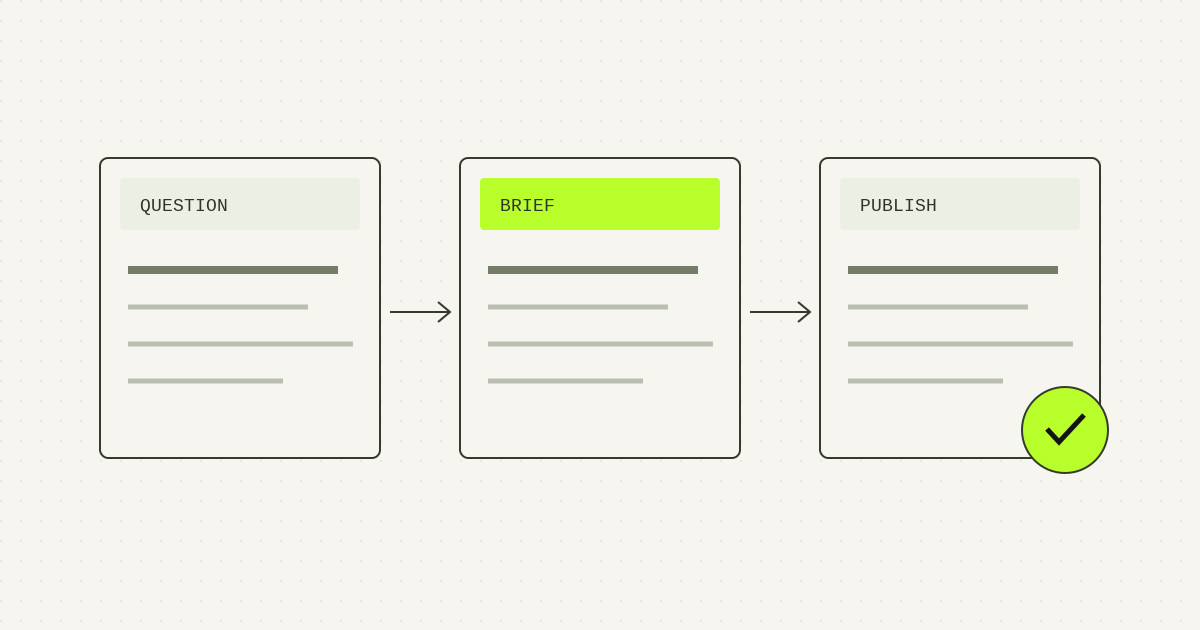
Useful content starts with a question. Before drafting, make sure the team agrees on who is asking it and what a helpful answer would contain.
This sample article shows a lightweight content workflow. It is a planning example, rather than a claim about the performance of a published page.
Choose one customer question
Start with a question from your prompt tracking, sales conversations, or existing search work. Write it at the top of the brief and keep it visible throughout the draft.
A comparison needs clear differences. A how-to needs a sequence that a reader can follow. A product question needs accurate details. Let that intent set the shape of the page.
Build a brief around the answer
Capture the reader, their task, the proposed page, and the points the draft must cover. Link to the source material your writer should use.
Give every section a job
Use headings that tell the reader what they will learn. Put the direct answer near the relevant heading, then add the detail needed to understand or apply it.
- Explain the term or problem in plain language.
- Give a concrete example where it helps.
- Keep product details accurate and current.
- Link to the most relevant next step.
Review before publishing
Check the draft for clarity, factual accuracy, and useful context. Make sure a reader can distinguish a product capability from an example or a suggestion.
Ask a teammate to read only the headings first. They should be able to describe the page's purpose without having to guess.
Keep links useful
A link should help the reader continue the task. Check its destination and use text that describes what is there. Avoid sending a reader through several generic pages to find a specific detail.
Bring the result back to the workflow
After publishing, record the page URL and the date. Return to the original questions when reviewing mentions and citations. Use those checks to guide further investigation rather than treating a single answer as a verdict.
aeolyzer brings the question, the content brief, and the next action together. Open the product demo to explore that flow.